11 May 2026
Why Is My Laptop So Slow? Common Causes & Prevention Tips
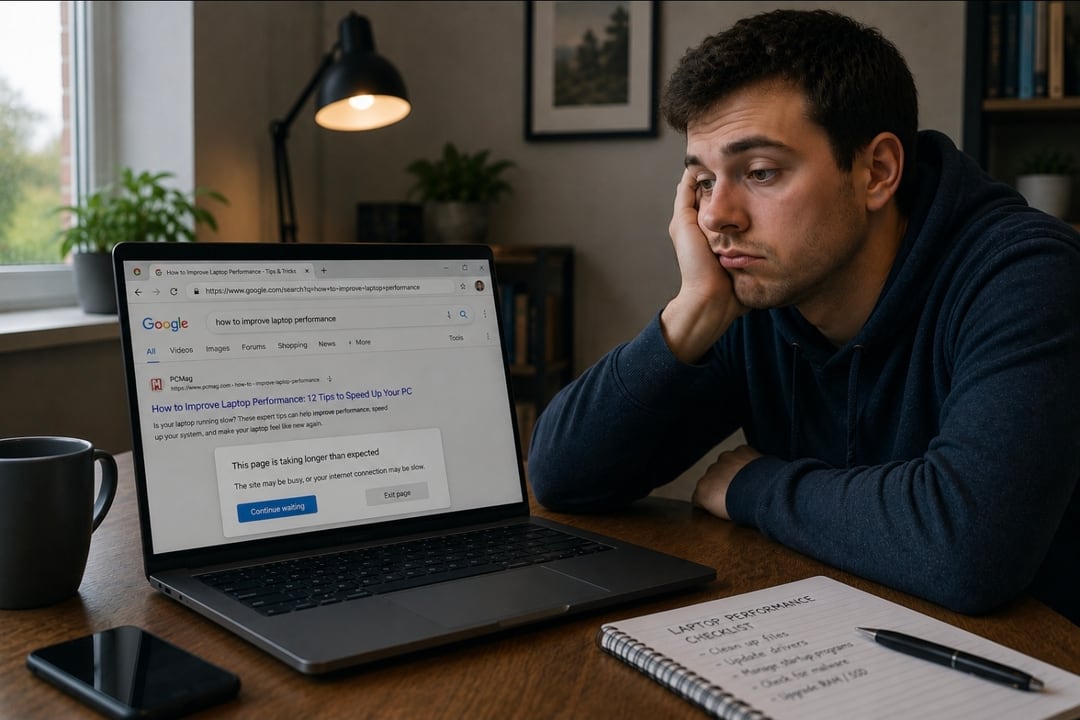
It's probably familiar. You sit down with a cup of tea, open your laptop, click the browser… and wait.
And wait.
Maybe the fan sounds like it’s preparing for take-off. Maybe opening an email feels like launching a space mission.
If you’ve recently found yourself searching “why is my laptop so slow?” or “why is my laptop slow all of a sudden?”, you’re definitely not alone.
The good news? A slow laptop doesn’t necessarily mean you need an expensive replacement. In many cases, poor laptop performance is caused by gradual wear, heat build-up, ageing components, or lack of maintenance over time.
Just like a car benefits from regular servicing, laptops also need a little care to keep running smoothly.
Common Causes of a Slow Laptop
There’s rarely one dramatic failure that suddenly makes a laptop unusable. More often, laptops gradually become slower due to several smaller issues building up over time.
Common causes include:
Dust and dirt clogging cooling systems
Dry or ageing thermal paste
Storage drives becoming overloaded
Too many background applications
Ageing hardware struggling with modern software
Years of Windows updates and larger applications
Modern websites, browsers, and software are far more demanding than they were even a few years ago. A laptop that once felt lightning fast can slowly start to feel sluggish simply because the digital world around it has changed.
Can Overheating Slow Down a Laptop?
Absolutely.
Overheating is one of the biggest causes of slow laptop performance.
Modern processors automatically reduce their speed when temperatures rise too high. This process, known as thermal throttling, protecting the hardware from damage — but it also makes the laptop feel painfully slow.
A laptop affected by overheating may:
run loudly,
become hot underneath,
lag during simple tasks,
freeze intermittently,
or drain battery life more quickly.
Many slow laptop problems we see during laptop repair and servicing are linked to dust build-up inside the cooling system.
Over time, dust can block airflow through fans and heatsinks, trapping heat inside the machine. In older laptops, thermal compounds can also dry out, reducing the cooling system’s efficiency even further.
Why Older Laptops Often Feel Slower
A common phrase we hear is:
“It used to be fine a few years ago.”
And that’s true.
Software becomes heavier over time. Windows evolves, browsers use more memory, and modern websites place greater demand on older hardware.
That doesn’t necessarily mean the laptop is “bad” or beyond saving. In fact, many older business-grade laptops are still excellent machines — they simply need a bit of attention and maintenance to keep up with today’s workloads.
At TopsLaptops, we’re big believers in extending the life of quality laptops wherever possible.
How to Prevent Laptop Performance Problems
Preventative maintenance can make a surprisingly big difference to long-term laptop performance.
A few simple habits can help:
Keep vents and cooling areas clear
Avoid using laptops on soft surfaces that block airflow
Restart the laptop occasionally instead of leaving it running constantly
Avoid completely filling the storage drive
Keep the device physically clean
Consider periodic laptop servicing for older machines
Prevention is often far cheaper than replacement — especially as modern laptops become thinner, more expensive, and increasingly difficult to repair.
Is It Worth Repairing a Slow Laptop?
In many cases, yes.
A good quality older laptop can often still provide years of reliable use when properly maintained. Professional servicing can help restore responsiveness, improve temperatures, reduce fan noise, and make the laptop feel enjoyable to use again.
For many people, repairing or refurbishing an existing laptop is also far more cost-effective than replacing it with a brand-new machine.
That’s particularly true for:
students,
home users,
small businesses,
and anyone wanting a reliable everyday laptop without spending a fortune.
Don’t Give Up on Your Laptop Too Quickly
A laptop running slow, hot, or noisy isn’t always nearing the end of its life. Sometimes it’s simply overdue a little professional care.
At TopsLaptops, we specialise in:
laptop servicing,
refurbishment,
upgrades,
and helping older laptops perform at their best again.
Because sometimes the best upgrade… is looking after the laptop you already own.
Repair. Refurbish. Reuse.
Reliable laptops from TopsLaptops.