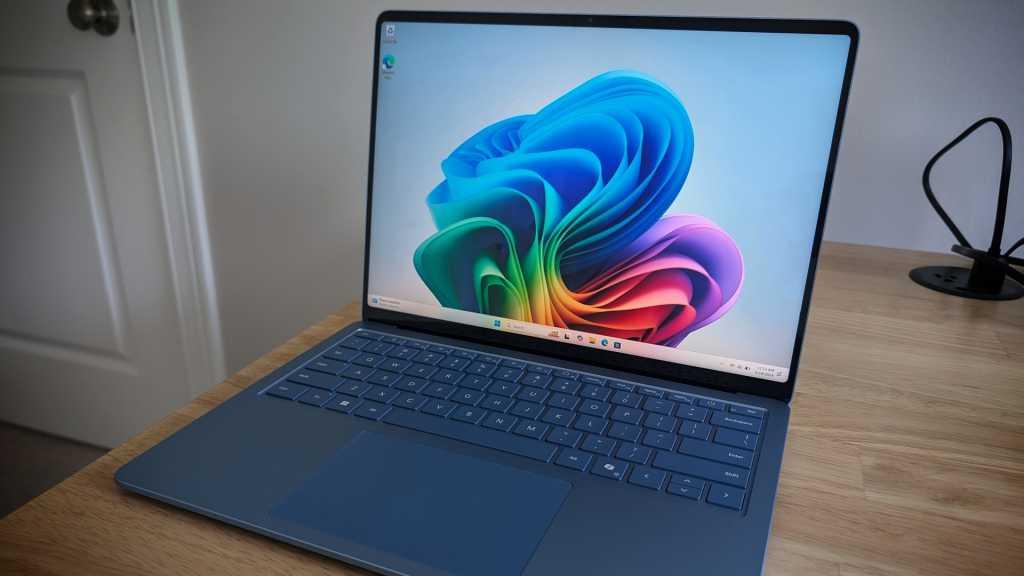
26 April 2026
Windows 11 26H2: Features, Release Date & What to Expect
🖥️ Windows 11 26H2: Features, Release Date & What to Expect
If you’re using Windows 11 on a laptop or desktop, you’ve likely seen regular updates aimed at improving performance and usability. The upcoming Windows 11 26H2 update continues that approach—focusing on refinement, stability, and smarter features.
In this article, we’ll cover when Windows 11 26H2 is expected, what features may be included, and what laptop users should be aware of before upgrading.
📅 When will Windows 11 26H2 be released?
Microsoft typically releases major Windows updates once a year, usually in the second half of the year.
👉 Expected release window: September – October 2026
The rollout is usually gradual, so laptops may receive the update at different times depending on hardware compatibility and manufacturer support.
🔧 What is Windows 11 26H2?
Windows 11 26H2 is expected to be an incremental update, often delivered as an enablement package.
This means:
It builds on existing versions like 24H2 and 25H2
Features may already exist but are activated later
Installation is usually quicker and less disruptive
👉 Overall, this update is more about improving the experience than changing it completely.
⚙️ Key features and improvements (expected)
🤖 Smarter AI integration
Expect deeper integration of AI features such as Copilot:
Smarter system suggestions
Improved search capabilities
More context-aware assistance
⚡ Performance and stability improvements
This is where many users—especially on laptops—will benefit:
Faster File Explorer
Reduced lag during multitasking
More consistent performance over time
🪟 User interface refinements
Small but noticeable improvements:
Cleaner settings navigation
Minor Start menu updates
Better consistency across apps
🔐 Security enhancements
Improved system protection
Better support for modern security features
Continued vulnerability patching
💻 What Windows 11 26H2 means for laptop users
Laptops can be more sensitive to updates than desktops, so these changes are particularly relevant:
🔋 Battery efficiency improvements
Performance tuning may help:
Reduce background activity
Improve power management
Extend battery life slightly during normal use
🌡️ Thermal and performance behaviour
On thinner laptops:
Improved efficiency can reduce heat under light workloads
Heavy tasks may still push limits, but system optimisation should help overall responsiveness
⚙️ Driver and hardware compatibility
Laptop users should be aware that:
Updates may rely on manufacturer drivers (Dell, HP, Lenovo, etc.)
Some features may not be fully available on older hardware
👉 This is why rollout timing can vary between devices.
🛠️ How to prepare your laptop for the update
Before installing Windows 11 26H2, it’s worth taking a few simple steps:
✅ 1. Update your current system
Install all pending Windows updates
Ensure drivers are up to date
💾 2. Back up important data
Use cloud storage or an external drive
Always good practice before major updates
🔌 3. Check battery and power
Install updates while plugged in
Avoid interruptions during installation
🧹 4. Free up storage space
Ensure you have enough disk space for the update
Clean temporary files if needed
🔄 5. Consider waiting (if critical device)
If your laptop is used for business:
Wait a few weeks after release
Let early issues be identified and resolved
🤔 Should you upgrade?
👍 Recommended if:
You want better performance and efficiency
Your laptop feels slow or inconsistent
You want the latest security updates
⚠️ Consider waiting if:
Your laptop is mission-critical
You rely on specific software or drivers
📊 Final thoughts
Windows 11 26H2 is expected to be a refinement-focused update, improving stability, performance, and usability—particularly valuable for laptop users balancing performance and battery life.
While it may not introduce major visual changes, it should help make everyday computing smoother and more reliable.